Introduction
Your startup finally gets its big moment. The pitch is ready, the audience is watching, and someone records it on a phone. Sounds perfect, right?
Then you watch the video later and think, "Wait… why does it look so bad?"
The idea was great… but your recording is grainy, shaky, blurry, dark, or just hard to watch. Faces are soft, the slides are unreadable, and all the hype you felt in the room is lost. From Demo Day to an investor meetup or launch event, the video from your event can make great content down the road.
This guide offers tips and tricks on how founders can edit out grainy quality in their pitch and demo day video so that they're clean, crisp, and good to go.
Why Do Demo Day Recordings Rarely Look as Good as They Felt
Watched back your Demo Day video and thought "Why doesn't my pitch look like the one I delivered on stage?"
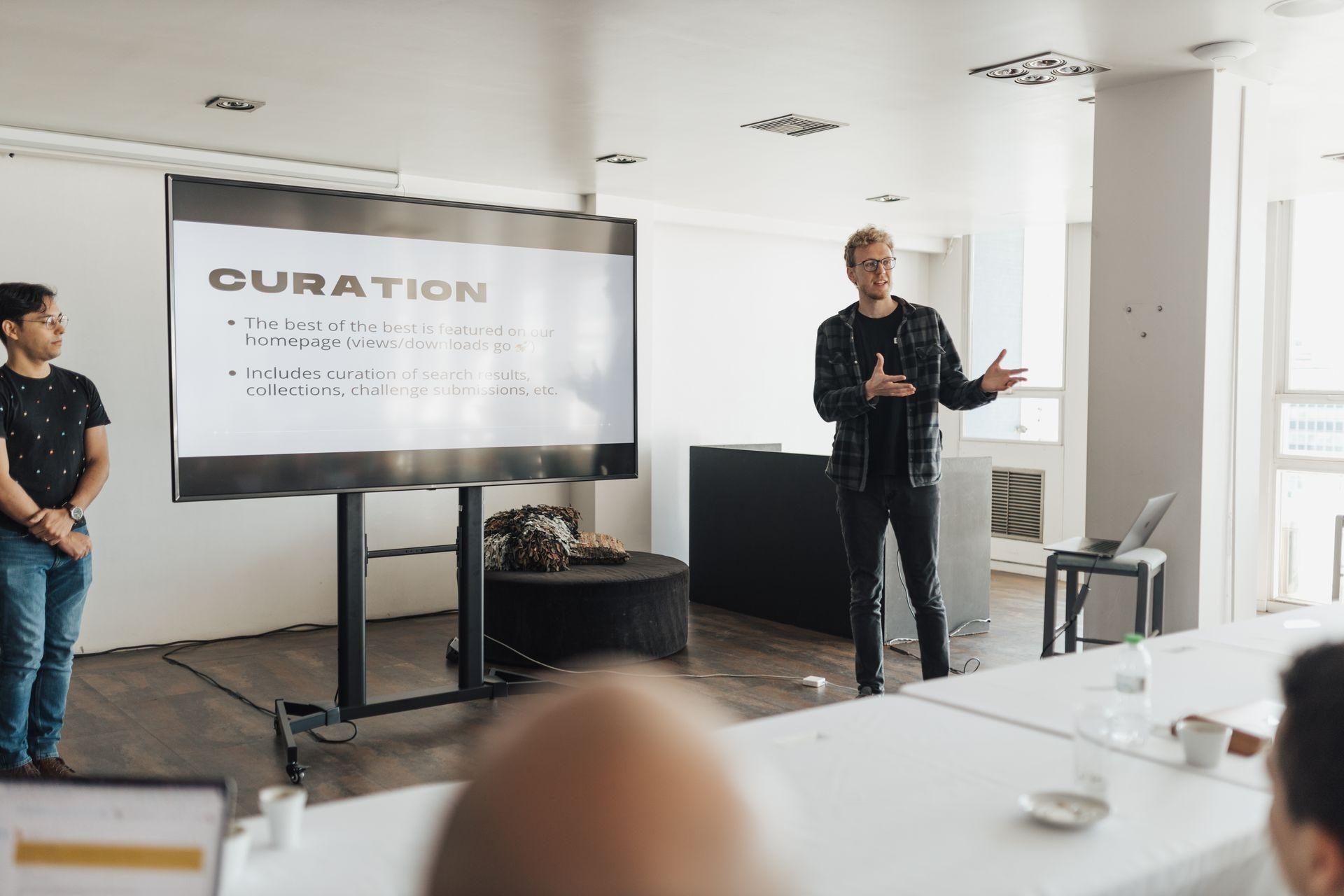
The problem is unlikely to be the pitch, more often… it's the recording! Startup events are set up for a live audience, not a smartphone camera.
Startup Events Prioritize the Audience, Not the Camera
Lighting can look stunning live… but the problem is that cameras aren't great at picking it up!
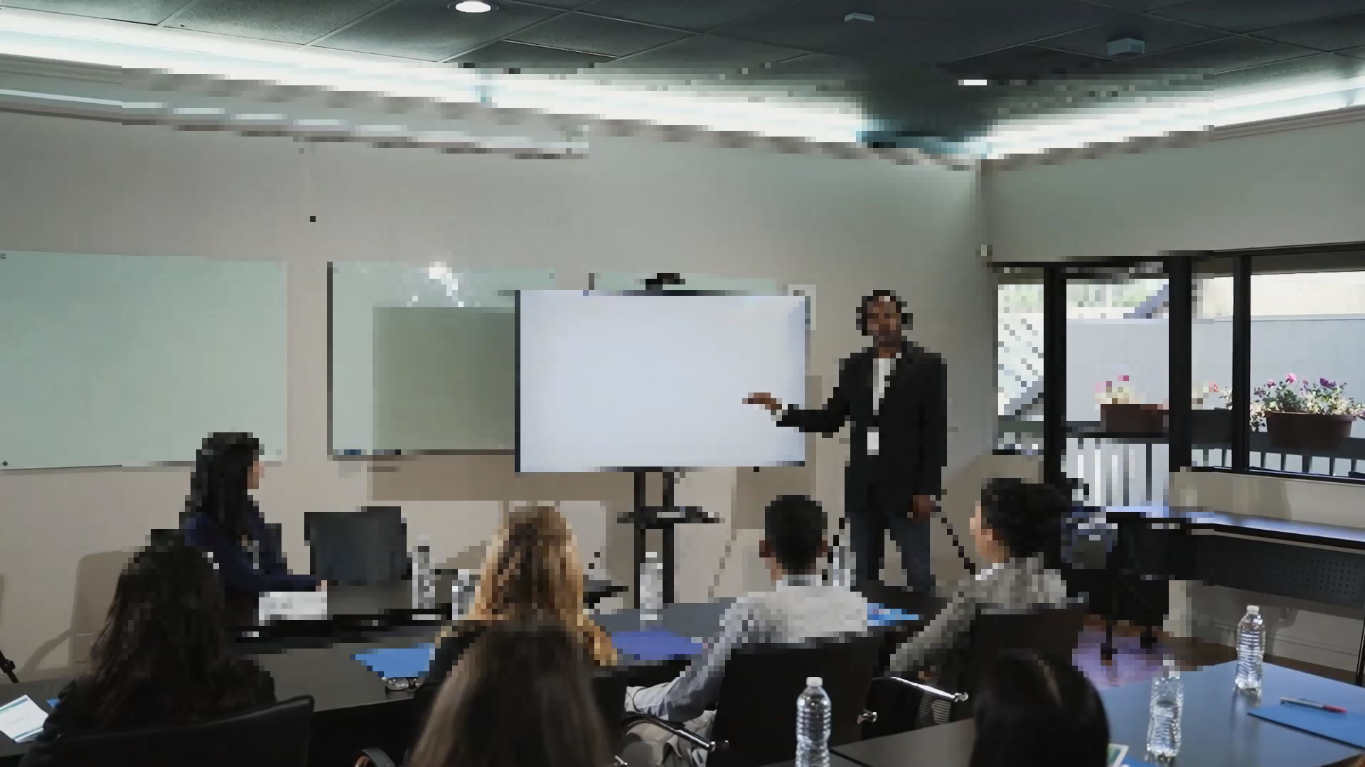
Bright spotlights, a darkened stage, and fluctuating brightness levels don't often film well, resulting in a grainy and blurry video.
Most Recordings Are Captured from the Crowd
In general, these Demo Day videos are not shot by a professional camera crew.
Rather, they're shot by a friend, a classmate or a spectator, phone in hand, from their place in the stands.
Thus, as soon as you change your viewing point – how far or near you sit and whether you move around to look for the best angle – the picture begins to decline.
Projected Slides Challenge Phone Cameras
Ever feel that slides look dull, but people appear too dark?
Mobile phone cameras get fooled with presentation screens looking bright but darker audiences in back of the room appear too dark.
That's confusing enough situation for a smartphone camera!
The Video Gets Compressed Again Before Sharing
Your video might appear to be fine when it's saved on your device… however if you upload that to LinkedIn, YouTube, and similar platforms, they'll compress the video
This results in more blurry photos, noisy video quality, missing detail, etc.
Fortunately, many of these issues can be improved without changing the authenticity of your presentation.
Decide What the Video Needs Before You Start Editing
Before your "grainy" Demo Day video becomes even grainier, ask yourself, "what can I really do better?"
Founders often see lots of tools for enhancement and then use all of them without thinking whether it really helps. Most of the time you do not want much to get the job done.
Is the problem noise?
The footage can be quite grainy in low-light events. If the video appears quite coarse, full of pin-like dots, noise reduction could be the best initial tool.
Is the problem soft detail?
Sometimes footage isn't "noisy," but simply "soft." Digital zoom, mobile cameras or compression will render speakers and slides blurry.
Is the problem visibility lacking?
Speaker barely visible? Slides impossible to read? Adjusting brightness, contrast or sharpness can restore crucial detail.
Invideo's video color correction tool can also help balance brightness, contrast, and color when lighting conditions have affected the recording.
Is the target a full replay or a highlight?
A 10-minute investment pitch differs significantly from a 30-second website "tease." Its final purpose dictates whether extensive editing is necessary.
How to Improve Pitch Recordings
You don't need to edit like a video pro. A few simple steps can make a big difference. Ready?
Keep the Original Recording Safe
Do you still have the original? Excellent! Don't lose it.
It's so much richer in detail than the download from LinkedIn or a social media connection would be. Why start with a lower-quality copy if you don't have to?
Trim Before You Enhance
Here's a question: does anyone really need to watch 20 seconds of people finding their seats?
Cut out all the setup time, shuffling around of feet, the pause before you take the microphone and, of course, that passing of the mic between speakers.
This is an easy win and cleans up the image without making much else work harder.
Improve Clarity Without Changing the Story
So, what are you actually trying to fix? Not the pitch—the video.
Here's the goal: make your presentation easier to watch, not make it look like a Hollywood movie.
A good video enhancer should improve what's already there—not rewrite the moment. Your audience should focus on your pitch, your product, and your story, not grainy footage or blurry slides.
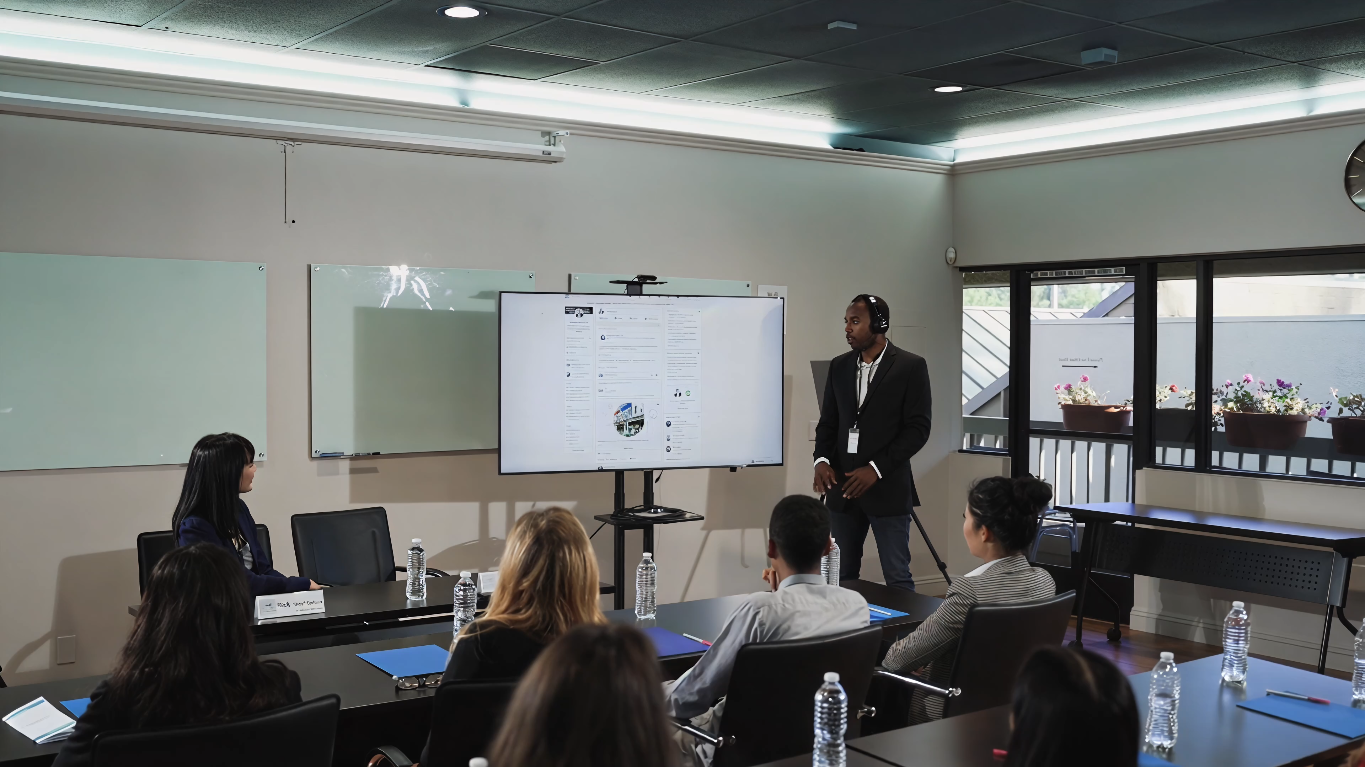
Vmake Labs AI Video Enhancer can help. This AI-powered tool can remove noise, sharpen blurred images, enhance contrast and brightness, upscale your video to 2K, 4K, or 8K, and clean up a highly compressed recording, right in your browser.
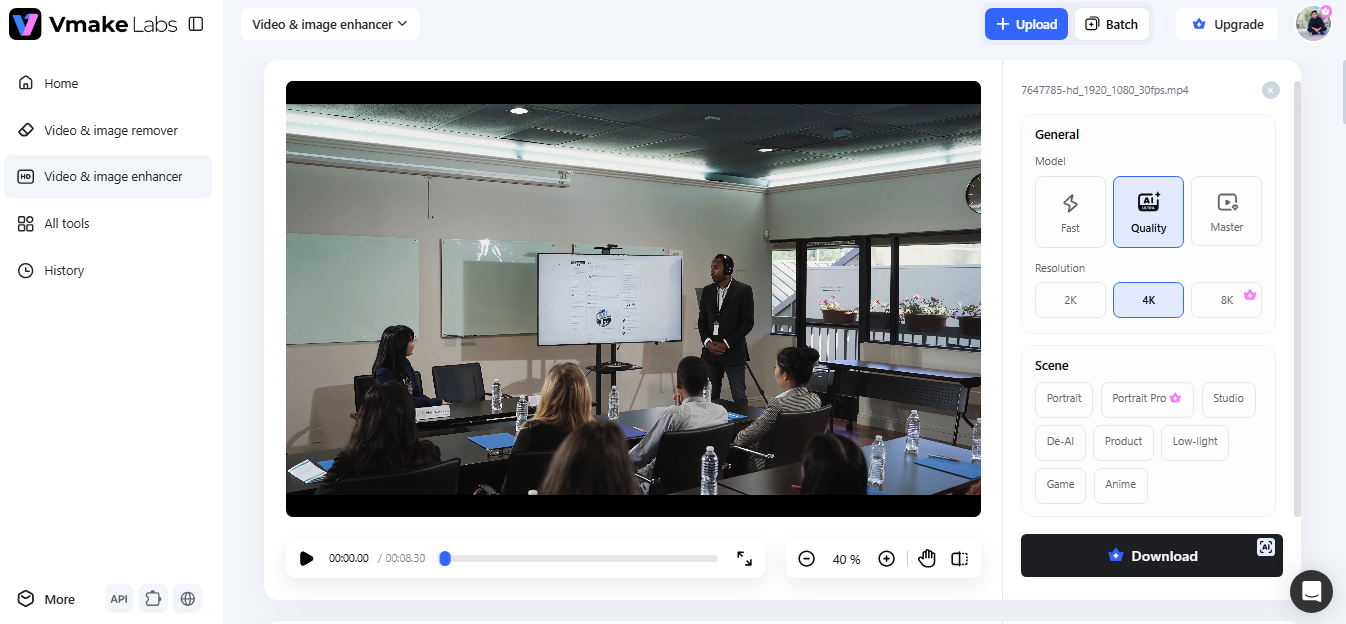
Don't know how to use video-editing software? Don't have a tech degree? No problem - just upload your file and watch the magic happen.
And guess what – your Demo Day is still your Demo Day… it just looks much clearer now! You can present clearly what happened on stage for clients, partners, and potential co-workers.
Export for the Right Audience
There's no need for one video to take on the role of all.
So, who's going to watch this video?
A much shorter version makes sense for the LinkedIn promotion video.
When you're uploading a recording to your startup's website/product landing page, perhaps you'll want a cleaner and shorter promo.
If it's an investor update, it makes sense to upload the whole recording with a narration added where necessary. Or if you're posting a whole pitch video onto YouTube / as part of a recapitulation video of an accelerator, then you will need your full version. A few exported versions of a single video make your recording do more work with no need for additional shooting!
Beyond the Pitch: Getting More Value from One Recording
Why only use your Demo Day video one time?
With some quick edits, you can use it for your startup for months after the event.
Create a Short Founder Introduction
Did you capture a great 30-60 second clip in your talk? Turn it into a short introduction for your startup on LinkedIn and other social media platforms.
Embed Product Demonstrations
Did the show itself contain a good demo of the product?
Clip out that bit and put it into your product documentation and/or a landing page. No need to film once more?
Share Progress with Early Supporters
Send out the good recording through a Newsletter, to an online community or use it in a crowdfunding campaign, allowing your earlier supporters to keep track of how the project develops.
Build Up a Startup Story
Every pitch has another story within. Keep and archive your best recordings at each milestone and build up the material, investor updates, and marketing contents of your startup history over time.
Conclusion
So, does your Demo Day's video clearly show what's awesome about your startup? Without a clear visual of your product, or a story that people can follow, the brilliance of what your company's got can be… lost.
And guess what?
You don't need to start over or become a video editing expert.
Small fixes do make a huge difference, and Vmake Labs AI Video Enhancer is probably one of the easiest ways to enhance your recording-smoothing grain, bringing the details out, and making your pitch much better by letting people see it properly.

 Entrepreneurship