
Before a buyer books a demo or adds something to the cart, they usually search for the category: "best expense management app for startups", "Zoho CRM vs Freshsales", "how to automate GST invoicing". On many of those searches, the first thing they read is an AI Overview: a few paragraphs written by Google's AI, with a short list of links to the pages it drew from.
If the overview names three of your competitors and not you, the buyer has a shortlist before they reach your website. It is easy to go months without checking what these overviews say about your category.
The check takes about 30 minutes. Below is how to run it, how to read the result, and which fixes are within a founder's reach.
Why the Overview Affects Your Clicks
Pew Research Center tracked the browsing of 900 US adults in March 2025, and 18% of their Google searches showed an AI summary. On those searches, people clicked a regular search result in 8% of visits, against 15% on searches without one. Only 1% of visits included a click on a link inside the summary itself.
For a startup, that has two consequences:
- When an overview appears for a search your buyers use, fewer of them scroll down to the regular results, even if your page ranks well.
- The products named inside the overview are the ones the buyer reads about first, whether or not anyone clicks.
Google said in May 2025 that AI Overviews were available in more than 200 countries and territories and in more than 40 languages, so buyers in India and most other markets may see them too.
Step 1: List the Searches Your Buyers Use (10 Minutes)
Write down 10 to 15 searches a buyer types before they know your name. Leave your startup's name out: a search for your own brand will almost always show your website, and it tells you nothing about how new buyers find you.
Mix three kinds of searches:
|
Type of search |
Examples
|
|---|---|
|
"Best" and "top" searches |
best expense management app for startups; top payroll software for small teams in India |
|
Comparisons and alternatives |
Zoho CRM vs Freshsales; Notion alternative for small teams |
|
Questions close to what you sell |
how to automate GST invoicing; how much does a payroll tool cost per employee |
If you sell in several countries, make a short list for each one. Overviews differ by country, so a buyer in Bengaluru and one in Dallas can see different products.
Ask your sales team, or read notes from your recent demo calls. The questions prospects asked on those calls usually make the best searches for this list.
Step 2: See What the Overviews Say (15 Minutes)
Run each search and record what you see. You can do it by hand in a private browser window; if you sell outside the country you are in, you will need a VPN or a colleague there to see local results. Some searches will show an AI Overview and some will not, because Google decides per search whether to show one.
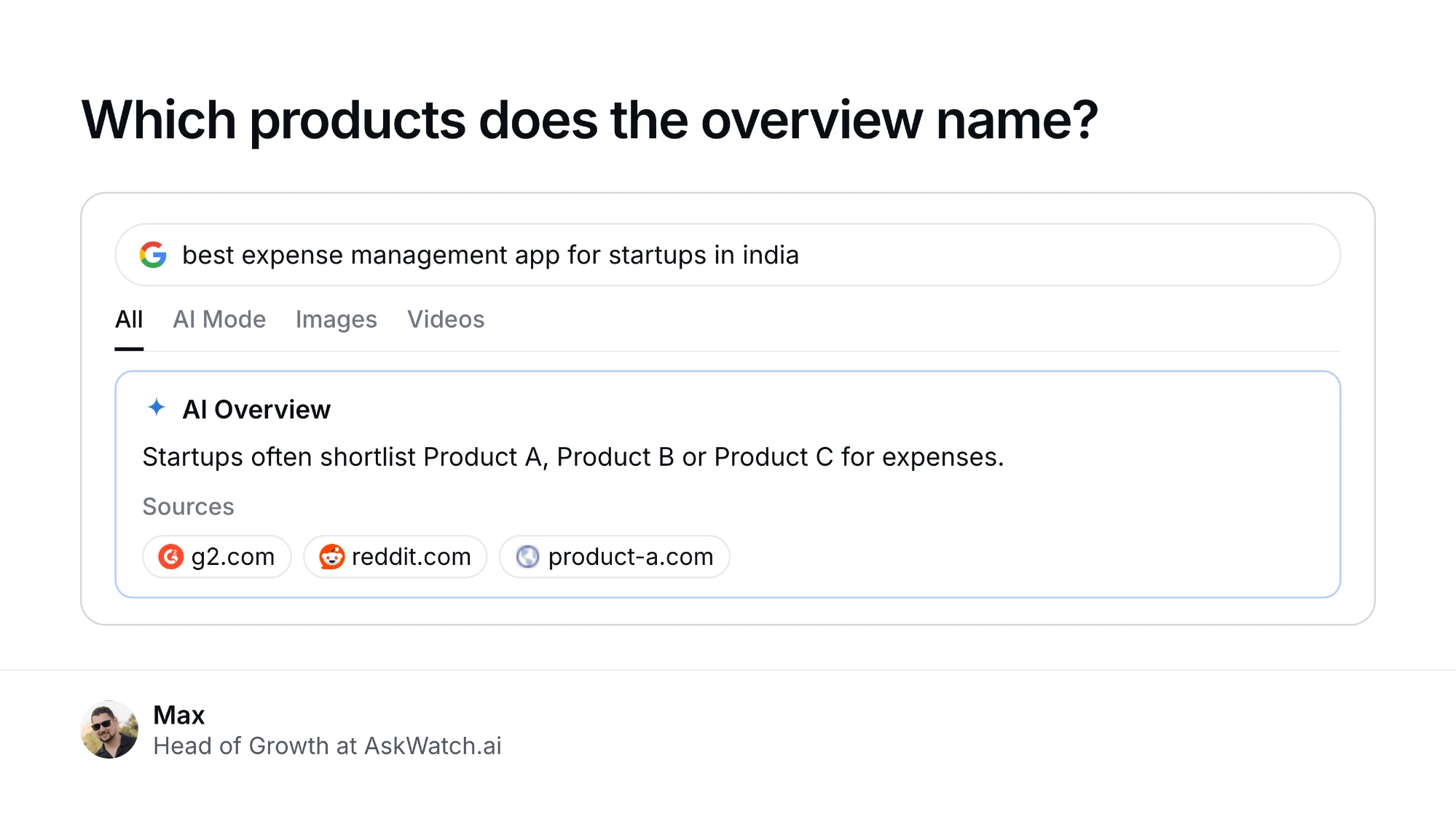
For each search, write down four things:
- Does an AI Overview appear?
- Which products or companies does it name?
- Which pages does it link as sources: review sites, comparison articles, forums, company websites?
- Is your startup named, and is your website one of the links?
Fifteen searches by hand fit in about 15 minutes, but each one shows only the answer Google gave at that moment. To check another set of searches at once, you can see which brands Google's AI Overviews name for searches in your category with a free tool that runs ten buyer searches written from your website and lists every page each overview links. It uses US results, so if you sell mainly in India, treat it as a first pass and confirm with local searches.
Step 3: Read the Result
Once the table is filled in, each search usually falls into one of four situations.
|
What you see |
What it usually means |
Where to start
|
|---|---|---|
|
You are named and your site is linked |
Google already uses your pages for this topic |
Keep the facts on those pages current and check again monthly |
|
You are named, but other sites are linked |
Google knows about you from reviews, directories or articles |
Make sure those third-party pages describe you correctly |
|
Competitors are named, you are not |
You are missing from the pages the overview relies on |
Find those pages and work out how to get onto them |
|
No overview appears |
Google shows regular results for this search |
Work on your ranking for now and recheck in a month |
Start with the third row: the overview's links show which pages you need to appear on. If the overview for "best CRM for small sales teams in India" links two comparison articles and a review platform, those three pages are where your product needs to appear.
Step 4: Fix What You Control
Google says you don't need special AI text files or markup to appear in AI features, and most fixes sit in places a founder already manages.
Your Pricing Page
Price is one of the first things buyers ask. If your site says "contact sales" and a competitor publishes a starting price, the overview has a number to quote from them and nothing from you.
You don't have to publish every plan. A starting price, a per-user price or a short table of tiers often answers the question well enough. Write it as text on the page, not inside an image or a PDF; Google's guidance for AI features asks that important content be available as text.
Comparison and Alternatives Pages
Startups often skip these. Comparison searches ask for brand names by definition, so overviews on them usually list products. If buyers search "[competitor] alternative" or "[you] vs [competitor]", a page on your site that answers the question honestly, with a table and a clear statement of who each product suits, gives Google something to draw from.
Answers to the Questions Buyers Ask
Go back to the questions from Step 1. For each one, check whether your website answers it in plain words near the top of a page. A page titled "How much does a payroll tool cost per employee?" that gives a real price range in its first two sentences answers the search directly.
Reviews and Listings on Other Sites
For "best" searches, overviews often link to review platforms, comparison articles and directories rather than to the companies themselves. List the third-party pages that appeared in your table and check each one:
- Is your startup listed at all?
- Are the name, category, pricing and main features correct?
- Is the profile complete, with recent reviews from real customers?
Review profiles and directory listings you can usually update yourself. For comparison articles, contact the author or editor with accurate facts about your product and ask whether they would consider including it.
If you have an office or store that customers visit, add your Google Business Profile to this list. Google's guidance for AI features asks businesses to keep Business Profile and Merchant Center information up to date.
One Set of Facts Everywhere
Your startup is described on your website, review platforms, directories, app stores, LinkedIn and launch sites. When those descriptions disagree on pricing, features or who the product is for, an overview can mix old and new facts.
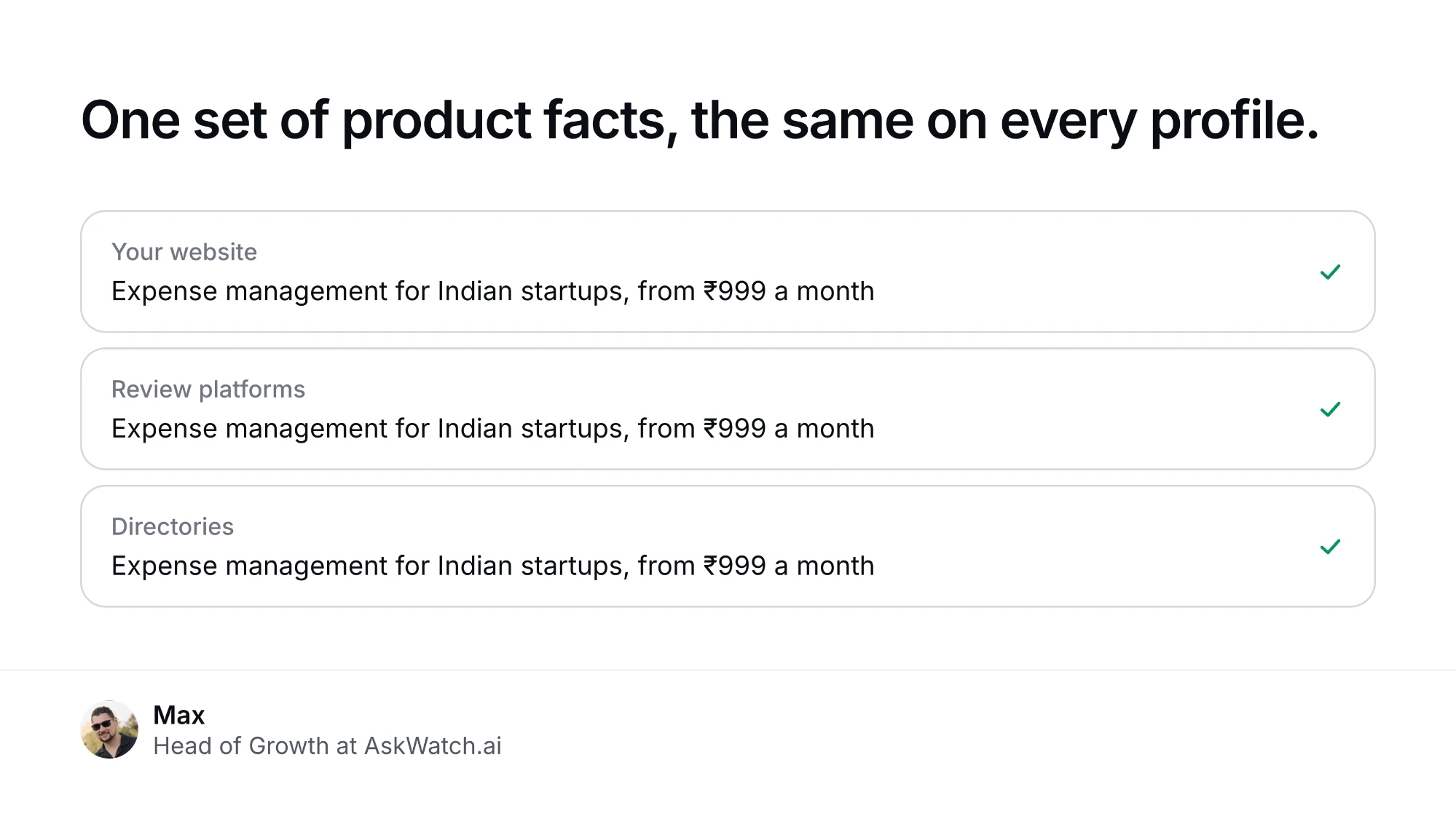
Write down one version of the key facts (what the product does, who it is for, where you sell, and the starting price) and update every profile to match.
Step 5: Make It a Monthly Habit
The same search can name different products from one week to the next, and an overview can appear on a search that had none last month.
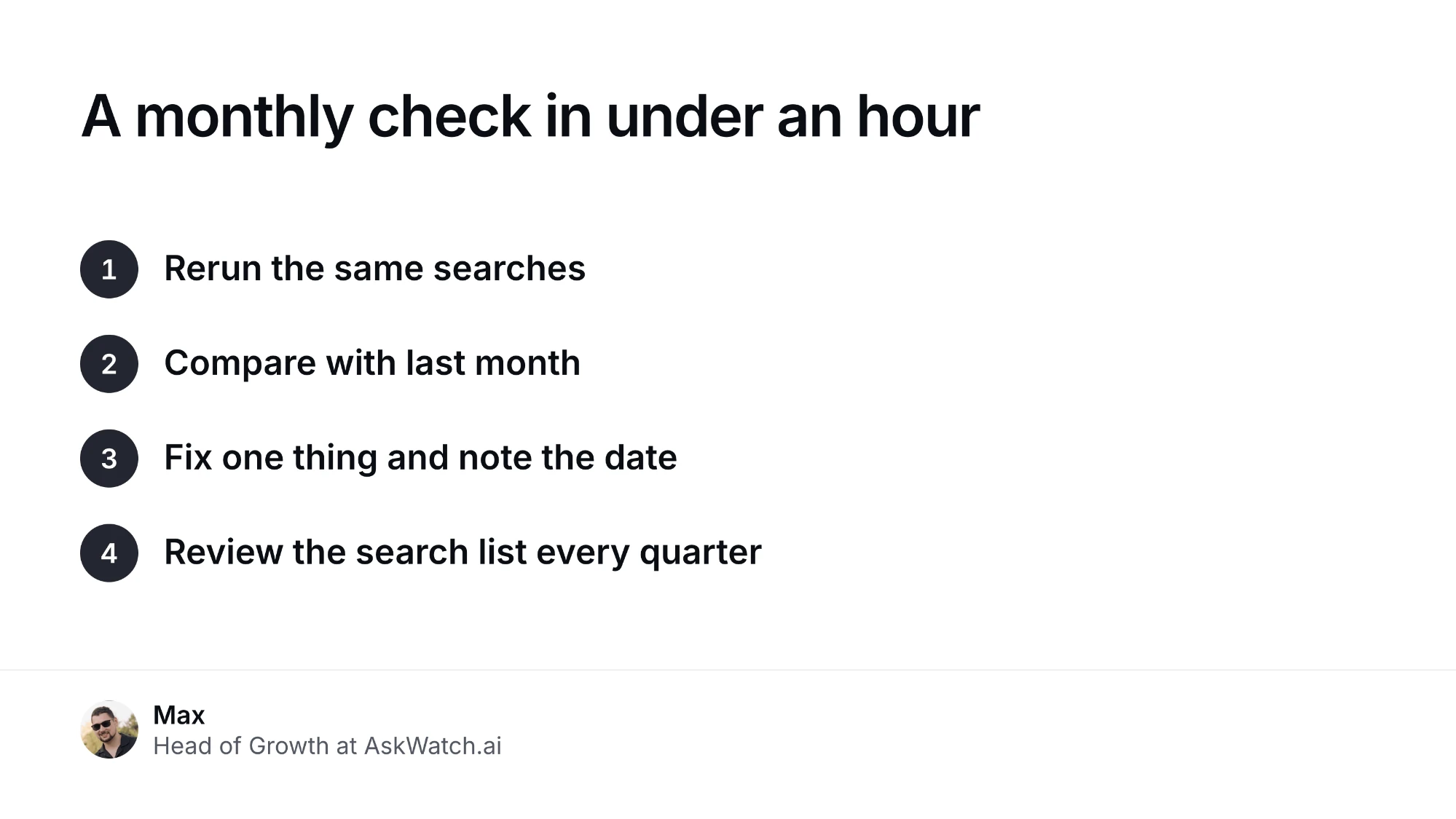
A routine that takes under an hour a month:
- In the first week of the month, run the same searches and fill in a new column in your table.
- Compare it with last month: where you were added or dropped, and which new products or pages appeared.
- Update one page, profile or listing, and write down the date.
- Every three months, review the list of searches and add questions your buyers have started asking.
If your site is connected to Google Search Console, it covers part of this. Since August 31, 2026, Search Console has a report for generative AI features that shows how often your pages appeared in them, by page, country, device and date. It shows your own pages, not which competitors were named, so keep your own table for that.
A One-Page Checklist
- 10 to 15 buyer searches written down, without your startup's name
- Searches run in each country you sell in
- For each search: overview shown, products named, pages linked, you named or not
- Starting price published as text on the pricing page
- Comparison or alternatives pages for the matchups buyers search
- Top buyer questions each answered in the first two sentences of a page
- Third-party pages from the overviews checked for your listing and correct facts
- One set of product facts used on every profile
- Date set for next month's check
Max is Head of Growth at AskWatch, which tracks how AI search engines such as Google AI Overviews, ChatGPT and Perplexity mention and cite brands.


 Entrepreneurship